
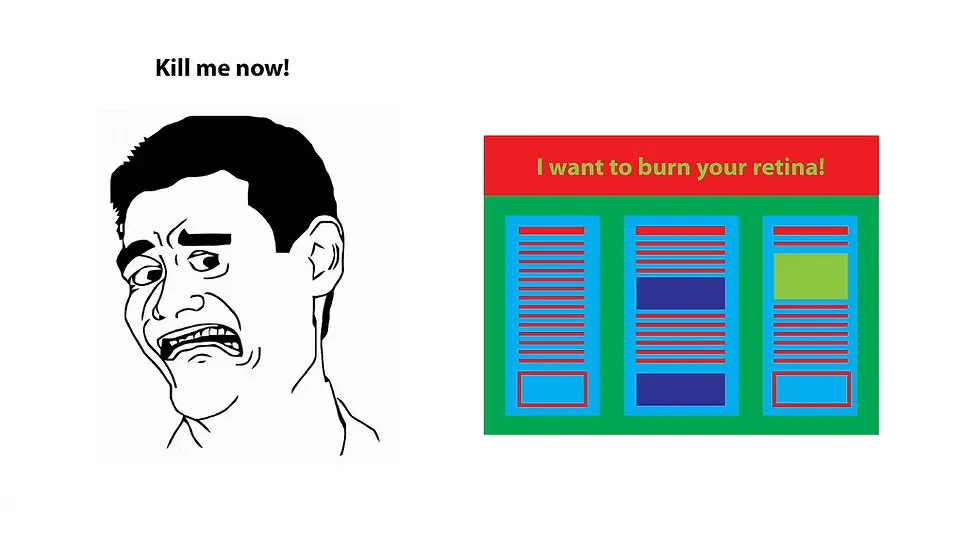
I attended the Met Éireann Research Showcase at the National Botanic Gardens, a lovely venue for a research day, and it was my first time bringing a poster.
I started about two weeks before, which was just enough. If you’re printing at CopiPrint on campus: an A0 is around €35, allow at least 8 business hours, and they can close early so don’t leave it last minute.
How do you create your research posters?
This was my first poster so I tried a few different platforms and asked around. Here’s what I was told:
- PowerPoint — most people just use it and it works fine.
- Canva is more user-friendly than Photoshop. I use it a lot for illustrations, but the poster templates don’t give you much to work with.
- Adobe Illustrator has some of the better templates, if you can get access.
- Affinity came up as a cheaper alternative, but I couldn’t settle on a template I liked either.
- LaTeX looks great and is very traditional, but it takes a while and can feel restrictive if your poster is more visual than mathematical.
I went with LaTeX using the baposter template. My main issue was the grid. You can’t vary column widths across rows, so a lot of layout ideas just don’t survive contact with the template. I wasn’t sold on how long the whole thing took.
One thing I will say for LaTeX though: if you’re in VS Code with Claude Code, you can tweak your figures directly inside the poster. No exporting, pasting in, and hoping it’s still readable at A0. For something data-heavy there’s a trade-off in clarity and ease of making it.
Here’s the poster:
More from this track
While working on my thesis, I found myself frustrated with my old template. I've since switched to a much more nicer setup, and in this post is a short description of it with some links and context.
Found a Cool Thesis Template

I just did my first Research Studies Panel. Here's what I wish I'd known going in.
RSP: Rehearse, Stress, Pass
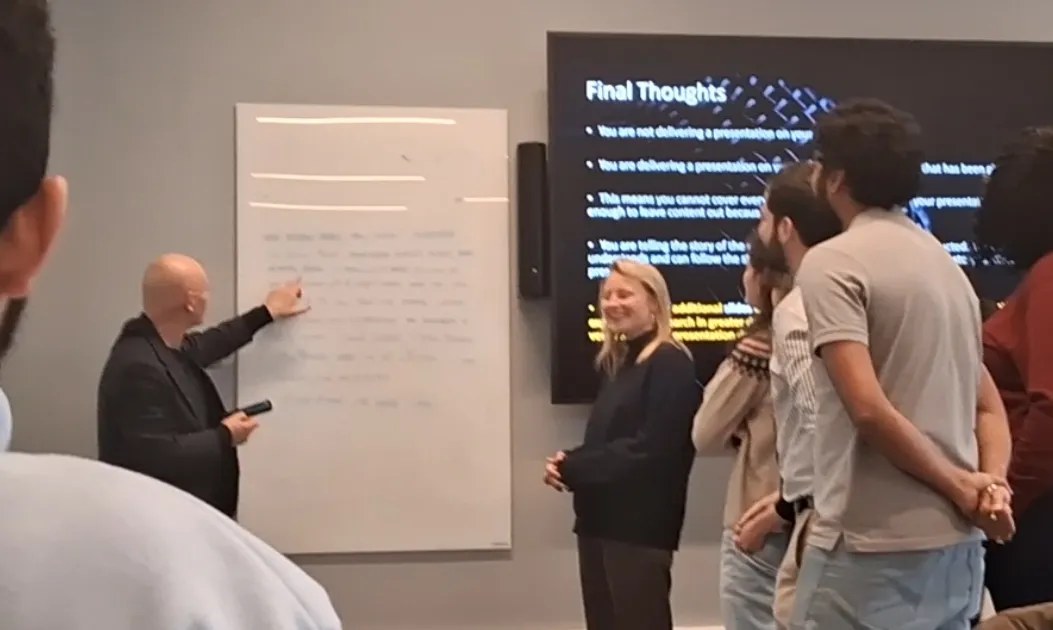
What happens when a presentation coach tells 17 PhD students to stop introducing themselves.
Leave a comment